Understanding the Fundamentals of Technical SEO for WordPress
Technical SEO refers to the process of optimizing the infrastructure of a website so that search engines can crawl, index, and render its content as efficiently as possible. Unlike content-based SEO, which focuses on keywords and messaging, the technical side deals with the backend elements that dictate how a site functions. For WordPress users, this means going beyond just writing great blog posts and looking into how the CMS handles data, scripts, and server-side requests.
What are the key components that define technical SEO for WordPress?
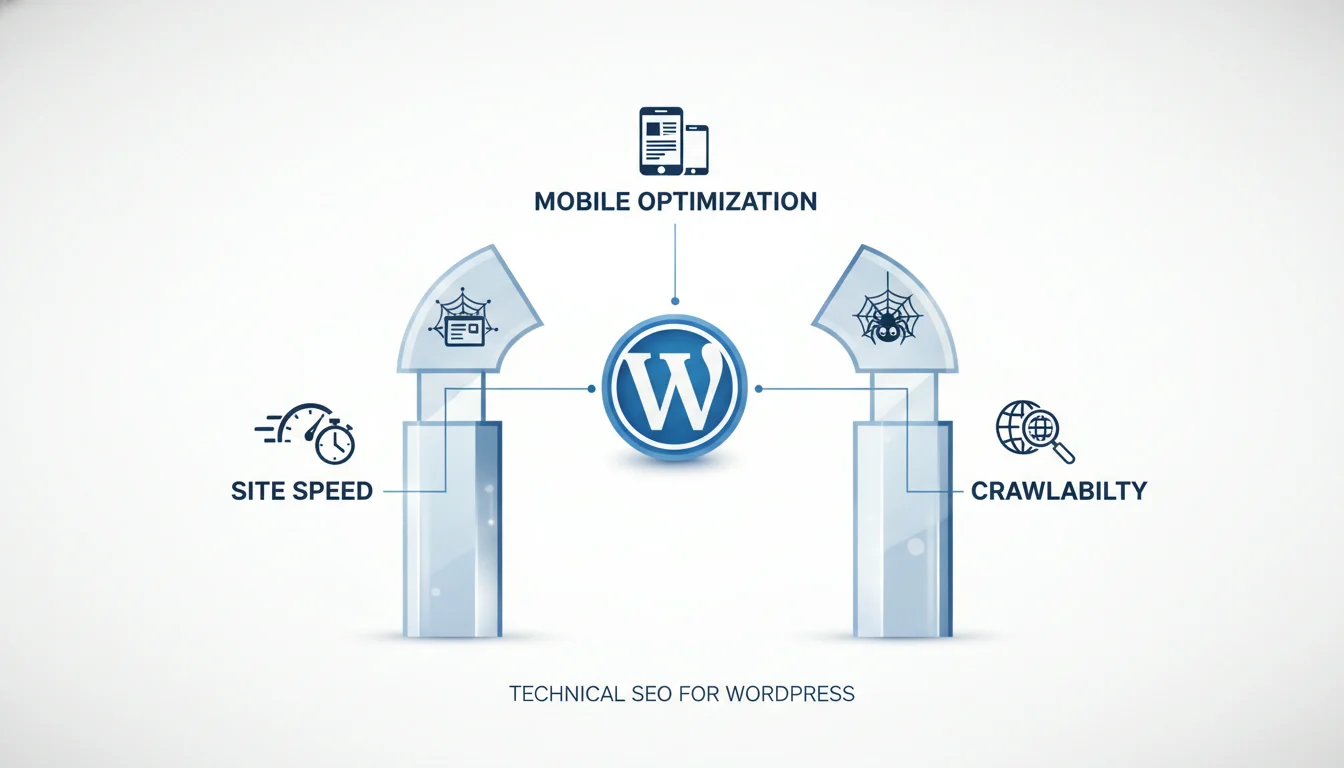
There are several pillars that form the foundation of a technically sound WordPress site. While the platform is inherently built with search engines in mind, manual adjustments are often necessary to ensure peak performance. The primary areas of focus include:
- Crawlability: Ensuring search engine bots can navigate through your site without hitting dead ends or loops.
- Indexability: Making sure that once a page is crawled, it can be added to the search engine’s database.
- Site Speed: Optimizing load times to provide a better user experience and satisfy search engine algorithms.
- Mobile Friendliness: Ensuring the layout and functionality remain intact across all device types.
- Security: Implementing protocols like HTTPS to protect data and build trust with visitors.
Why is technical optimization a key factor for search engine rankings?
Search engines like Google prioritize websites that provide a high-quality user experience. If a WordPress site is slow, filled with broken links, or difficult for a mobile user to navigate, search engines are less likely to recommend it to their users. Technical SEO acts as the bridge between your content and the search engine’s ability to see that content. Without a solid technical base, even the most informative articles may struggle to appear on the first page of search results.
How does WordPress differ from other platforms in a key technical sense?
WordPress is a dynamic CMS, meaning it generates pages on the fly using a database and PHP. This architecture offers incredible flexibility but also introduces specific technical challenges. For instance, the way WordPress handles “bloat” from themes and plugins can significantly impact performance. Managing these elements is essential for maintaining a lean and efficient digital presence.
| Technical Element | WordPress Impact | Primary Goal |
|---|---|---|
| XML Sitemaps | Generated via plugins or native features | Help bots find all pages |
| Robots.txt | Virtual file by default | Control bot access to folders |
| Permalinks | Customizable settings | Create human-readable URLs |
| SSL/HTTPS | Server and plugin configuration | Secure data transmission |
By mastering these fundamentals, site owners can ensure that their WordPress installation provides a stable and accessible environment. This proactive approach prevents common issues such as duplicate content, slow response times, and indexing errors that frequently plague unoptimized websites.
Optimizing Site Speed and Core Web Vitals for Better Rankings
Website performance is a primary pillar of technical SEO. For WordPress users, ensuring that pages load quickly and interact smoothly is not just about user experience; it is a direct ranking signal for Google. When search engines crawl your site, they evaluate how efficiently your server delivers content and how stable that content remains as it renders on the screen.
WordPress sites can often become bogged down by heavy themes, excessive plugins, and unoptimized databases. Addressing these issues is a Key component of maintaining a healthy search presence.
What Are the Key Metrics of Core Web Vitals?
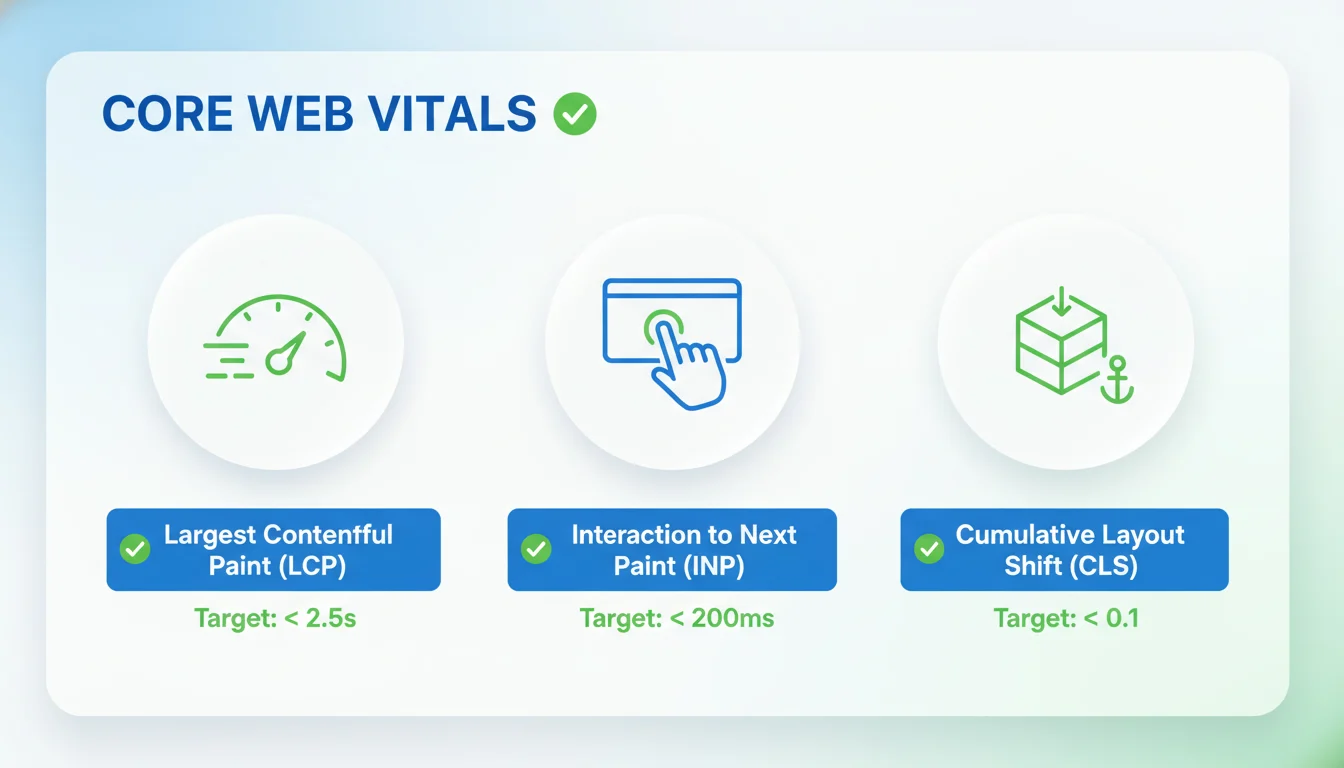
Core Web Vitals are a set of specific factors that Google considers important in a webpage’s overall user experience. They are part of the Page Experience signal. For a WordPress site to rank well, it must perform within the recommended thresholds for these three metrics:
- Largest Contentful Paint (LCP): This measures loading performance. To provide a good user experience, LCP should occur within 2.5 seconds of when the page first starts loading.
- Interaction to Next Paint (INP): This measures responsiveness. It tracks the time it takes for a page to respond to user inputs like clicks or key presses. A score of 200 milliseconds or less is ideal.
- Cumulative Layout Shift (CLS): This measures visual stability. It quantifies how much elements on the page move around unexpectedly during the loading process. A score of 0.1 or less is preferred.
Why Is Server Response Time a Key Indicator of Success?
The foundation of site speed is your hosting environment. If your server takes a long time to respond to a request, every other optimization effort will be limited. This is often measured as Time to First Byte (TTFB). For WordPress, high-quality managed hosting can drastically improve TTFB by using server-side caching and optimized database configurations.
| Metric | Good Range | SEO Priority |
|---|---|---|
| Time to First Byte (TTFB) | Under 800ms | High |
| LCP (Largest Contentful Paint) | Under 2.5s | High |
| CLS (Cumulative Layout Shift) | Under 0.1 | Medium |
What Are the Key Strategies to Optimize WordPress for Speed?
Improving speed on a WordPress platform requires a combination of plugin management and technical tweaks. Here are the most effective methods to boost your scores:
- Implement Page Caching: Caching creates static HTML versions of your dynamic WordPress pages. This reduces the work your server has to do for every visitor, leading to much faster load times.
- Optimize Image Assets: Images are often the largest files on a page. Use modern formats like WebP and ensure you are using a plugin to compress images without losing quality.
- Minimize Code Bloat: Minifying CSS and JavaScript removes unnecessary characters, such as comments and spaces, from your code. This makes the files smaller and faster for browsers to download.
- Utilize a Content Delivery Network (CDN): A CDN stores copies of your site on various servers around the world. This ensures that a visitor in London loads your site from a UK server rather than one in the United States.
How Does Mobile Performance Act as a Key Ranking Factor?
Google uses mobile-first indexing, meaning the mobile version of your WordPress site is what determines your rankings. A site that loads quickly on a desktop but lags on a mobile device will struggle to reach the first page of search results. Ensuring your WordPress theme is responsive and that you have eliminated render-blocking resources is essential for mobile success.
Mastering Crawlability: Sitemaps, Robots.txt, and Permalinks
Once your site speed and Core Web Vitals are optimized, the next step in technical SEO is ensuring search engines can actually find and index your content. Crawlability refers to the search engine’s ability to access and crawl the content on a page. If your site has crawlability issues, your content will not appear in search results, regardless of how high-quality it is.
What are the key elements of a crawlable WordPress site?
Crawlability relies on three primary pillars: a clear structure for discovery, specific instructions for bots, and human-readable URLs. WordPress provides several native tools to manage these, but fine-tuning them is essential for a professional setup. By managing these elements, you ensure that Googlebot and other crawlers spend their time on your most important pages rather than getting lost in administrative folders or duplicate content.
How do XML sitemaps serve as a key roadmap for search engines?
An XML sitemap is a file that lists all the important pages of your website, making sure search engines can find and crawl them all. While WordPress now includes a basic built-in sitemap feature, many SEO professionals prefer using dedicated plugins to gain more control over which types of content are included in the feed.
- Automatic Updates: A professional sitemap updates automatically every time you publish a new post or page, notifying search engines of the change.
- Priority Signaling: It helps search engines understand which content is the most relevant and how often it is updated.
- Media Discovery: Advanced sitemaps can include images and videos that might otherwise be difficult for bots to discover through standard text crawling.
Why is the robots.txt file a key component of crawl budget management?
The robots.txt file is a simple text file located in your website’s root directory. It serves as a set of instructions for search engine crawlers, telling them which pages or sections of your site they should or should not visit. This is vital for saving crawl budget, which is the limited number of pages a bot will crawl on your site during a specific timeframe.
| Common Instruction | Technical Purpose |
|---|---|
| User-agent: * | Applies the following rules to every search engine bot that visits the site. |
| Disallow: /wp-admin/ | Prevents bots from wasting resources crawling your administrative backend. |
| Disallow: /wp-includes/ | Blocks access to core system files that do not contain indexable content. |
| Sitemap: https://example.com/sitemap.xml | Directs the bot to the location of your XML sitemap for faster discovery. |
How does a clean permalink structure unlock key ranking benefits?
Permalinks are the permanent URLs to your individual pages and posts. By default, older versions of WordPress used structures that included strings of numbers or dates, which are not ideal for SEO or user experience. Choosing a “Post Name” structure is widely considered the best practice for modern technical SEO.
A clean permalink should be descriptive and contain your primary keywords. This helps both users and search engines understand the context of the page before they even click on it. To change this in WordPress, you can navigate to the Settings menu and select Permalinks to choose the most readable option for your audience.
[SYSTEM INSTRUCTION: This section concludes the deep dive into crawlability factors.]Mobile-First Indexing: Adapting to Modern Search
Google predominantly uses the mobile version of a website’s content for indexing and ranking. This shift, known as mobile-first indexing, means that the technical health of your WordPress site on a smartphone is more important than its desktop counterpart. While most modern WordPress themes are responsive by design, technical SEO requires a more granular look at how your site performs on smaller screens.
Why is ensuring a responsive design a Key step for WordPress site owners?
A responsive layout ensures that text is readable without zooming, buttons are spaced appropriately for touch, and images scale correctly. If your mobile site contains less content than your desktop site, or if technical errors prevent mobile crawling, your rankings may suffer across all devices. Regularly checking the Mobile Usability report in Google Search Console is essential for identifying elements that are too close together or content wider than the screen.
Optimizing Mobile Performance
Performance on mobile devices is often limited by hardware and network speeds. Technical SEO for WordPress involves optimizing the mobile experience through specific actions:
- Avoiding intrusive interstitials or pop-ups that cover the main content on mobile screens.
- Using compressed image formats like WebP to reduce data transfer.
- Ensuring that the viewport meta tag is correctly configured in your theme’s header.
- Testing site speed on mobile-specific tools to identify bottlenecks in rendering.
Site Security: Implementing HTTPS
Security is a fundamental pillar of technical SEO. Google has long confirmed that HTTPS is a ranking signal. Beyond SEO, moving from HTTP to HTTPS is critical for protecting user data and establishing trust. When a WordPress site uses HTTPS, the data transferred between the user and the server is encrypted, preventing third parties from intercepting sensitive information.
How does an SSL certificate act as a Key component of your technical SEO strategy?
Without an SSL certificate, browsers like Chrome will mark your site as Not Secure, which can significantly increase bounce rates and damage your brand reputation. Furthermore, modern web technologies that improve site speed, such as HTTP/2, require a secure connection to function. Implementing HTTPS is not just about security; it is about performance and visibility.
Moving WordPress from HTTP to HTTPS
Transitioning to a secure protocol requires more than just installing a certificate. Follow these technical steps to ensure a smooth migration:
- Install an SSL certificate through your hosting provider or a free service like Let’s Encrypt.
- Update your WordPress Address and Site Address in the Settings menu to reflect the https:// prefix.
- Configure a site-wide 301 redirect in your .htaccess file to send all traffic from the HTTP version to the HTTPS version.
- Use a search and replace tool to update internal links and media URLs in your database to prevent mixed content warnings.
The following table summarizes the differences between the protocols and their impact on your website:
| Feature | HTTP | HTTPS |
|---|---|---|
| Data Encryption | None (Plain Text) | Encrypted (SSL/TLS) |
| Search Ranking Signal | Negative/Neutral | Positive Signal |
| Browser Trust Indicator | Not Secure Warning | Security Padlock Icon |
| Speed Capabilities | Standard | Supports HTTP/2 and HTTP/3 |
By prioritizing mobile-first indexing and securing your site with HTTPS, you build a solid foundation that allows your WordPress site to compete in a search landscape that values user safety and accessibility above all else.
Implementing Schema Markup and Structured Data for WordPress
Schema markup, also known as structured data, is a specialized code that helps search engines understand the content and context of your pages. While WordPress handles basic metadata well, implementing structured data is essential for communicating specific details to search engines like Google, Bing, and Yandex.
What is a key reason to prioritize structured data on your website?
The primary reason is the creation of rich snippets. When you provide structured data, search engines can display additional information in the search results, such as review stars, product prices, event dates, or recipe cooking times. This makes your listing more attractive and can lead to a higher click-through rate compared to standard text results.
For WordPress users, several types of schema are particularly beneficial. These include:
- Article Schema: Ideal for blog posts and news articles.
- Local Business Schema: Essential for businesses with a physical location.
- Product Schema: Vital for WooCommerce or e-commerce sites to show prices and availability.
- Review/Rating Schema: Displays star ratings directly in search results.
- FAQ Schema: Allows your frequently asked questions to appear directly on the search results page.
Which key tools can help you manage Schema in WordPress?
Managing schema manually can be complex, involving the addition of JSON-LD code to your header or footer. Fortunately, the WordPress ecosystem offers several robust plugins that automate this process. Popular SEO plugins like Yoast SEO, Rank Math, and All in One SEO provide built-in schema settings that allow you to define your content type easily.
| Schema Type | Main Benefit | Common Use Case |
|---|---|---|
| Organization | Establishes brand identity | Homepage and About page |
| Breadcrumb | Shows page hierarchy | All internal pages |
| Event | Displays dates and locations | Conferences or webinars |
After implementing your markup, it is vital to validate it. You can use tools such as the Google Rich Results Test or the Schema Markup Validator. These tools will scan your URL and identify any errors or warnings in your structured data implementation, ensuring that search engines can read the information correctly.
How do you maintain a key advantage over competitors using Schema?
To maintain an advantage, you should regularly audit your structured data. As search engines evolve, they often introduce new types of schema or change the requirements for existing ones. By keeping your plugins updated and checking your Google Search Console reports for “Enhancements,” you ensure that your WordPress site remains optimized for the latest search features.